Delete Casing in contract project
1.
Go to Contract List, click button  to enter Contract Detail page.
to enter Contract Detail page.2.
In Contract Detail page, click button
3.
Select tab Casing
4.
Inside casing List page, select casing name you want to delete, and then click button
5.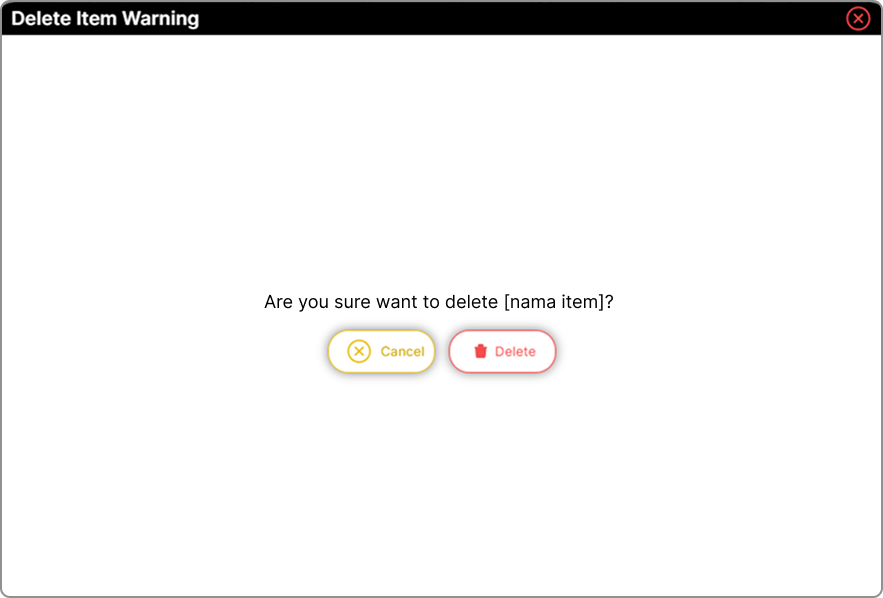
Pop up window will be shown to confirm deleting casing data
6.
Click button