Home
Products & Service
▾
Geonest Exploration
Database Management
Geonest Drilling
Drilling Operation Monitoring
Geonest Mapping
Mobile Data Acquisition
Geonest EHS (Basic Safety)
Safety Control
See all Geonest Products →
Help
en
▾
Request Demo
Help Cente...
Help Center
/
Geonest Ex...
Geonest Exploration
/
Data Entry
Data Entry
/
Delete Hole ID
Delete Hole ID
Delete Hole ID
1.
Go to Data Entry, then select tab Drill Hole Information
2.
Select hole id you want to delete, then click button
3.
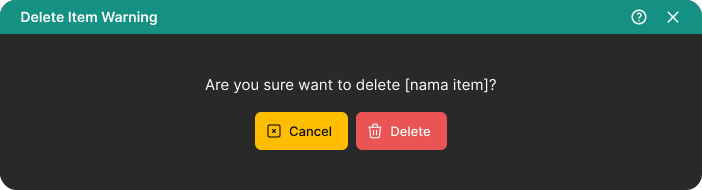
Pop up window will be shown to confirm deleting hole id
4.
Click button