Validate data from data entry
1.
Go to Data Entry menu
2.
Select tab Drill Hole Information
3.
Click button
4.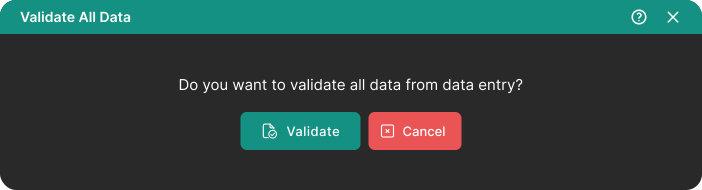
Pop up window will be shown to confirm compilation data
5.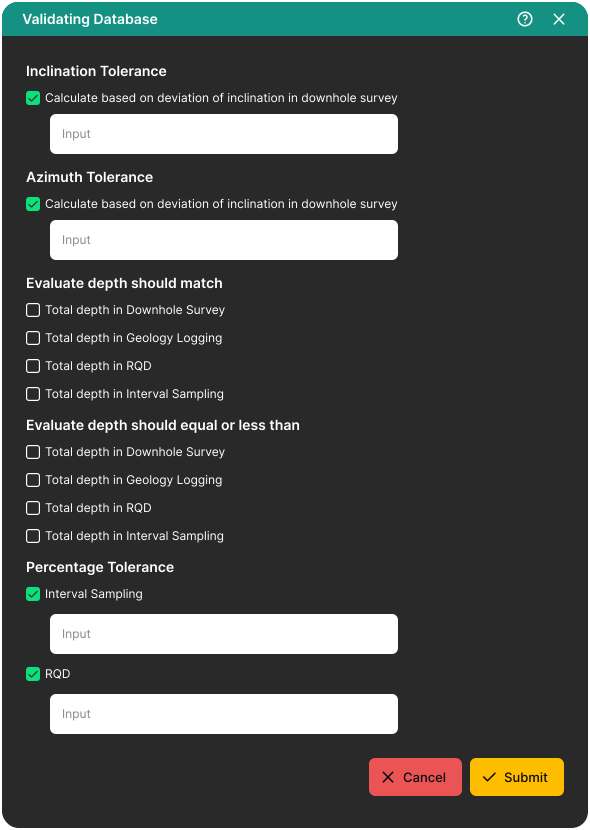
Pop up window will be shown to adjust validation data
6.
Click button
Notes:
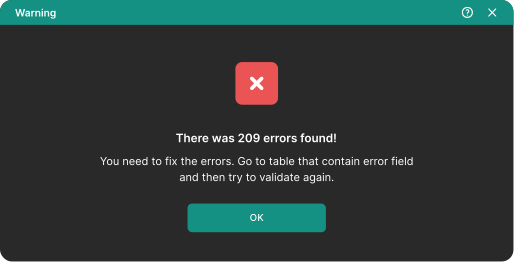
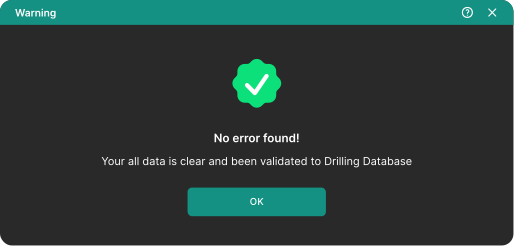
All validation data from data entry will be stored to Drilling database. If there was errors while validating data then warning pop up will be shown and error data will not be stored to drilling database.