
Help tab
1.
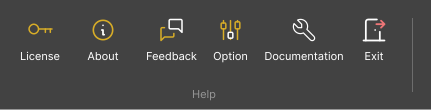
Licence – The License menu displays the application’s licensing information. Users can view the current license status, expiration date, and license type associated with their account or organization.
2.
About – The About section provides general information about the application, including version details, system credits, and a brief overview of the platform.
3.
Feedback – The Feedback feature allows users to send comments, issues, or suggestions directly to the support team.
4.
Documentation – The Documentation option gives access to downloadable user guides and manuals. Users can download the official documentation to learn more about features, workflows, and system capabilities.
5.
Exit – The Exit option closes the current project and returns the user to the main application interface or project selection screen.