
Delete folder collection
1.
Select collection name, you can hold or swipe left on the selected folder collection
2.
Button delete will be shown after you hold or swipe left on the selected folder collection
3.
Click button
4.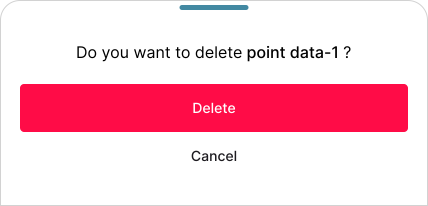
Pop up window will be shown to confirm deleting collection
5.
Click button