
Upload map from snapshot
1.
In start page, click collection name to enter Data collection
2.
Click Layer Maps tab, click button
3.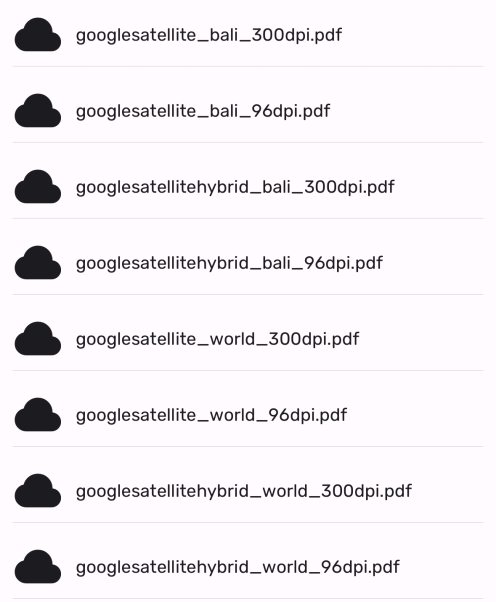
Select asset you want to display in maps. This map can be used when you are in offline mode
4.
Downloaded layer will be shown in section User Defined Layer