
Add Placemarks Point Data
1.
In start page, click collection name to enter Data collection
2.
Inside Data Collection tab, select Maps tab
3.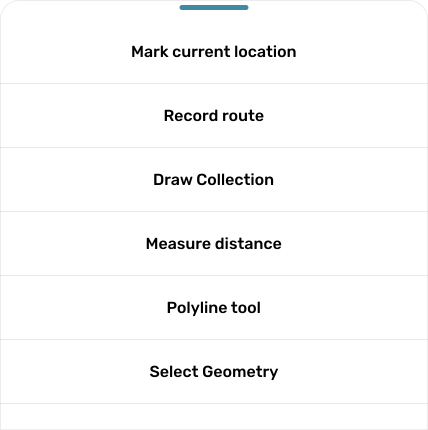
Click button 
4.
Click Button
5.
Mark current location based on pointer 
6.
Input all information about placemark, after that click button