
Add reverse icon in line
1.
In start page, click collection name to enter Data collection
2.
Inside Data Collection tab, select Maps tab
3.
Select drawing line polyline you have been added to collection. Tap line, you will directed to page Edit Line
4.
Click button
5.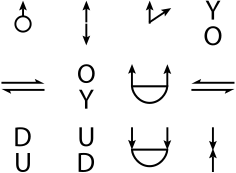
Choose icon you want to use, then click confirm
6.
After finish, click button