
Delete polygon
1.
In start page, click collection name to enter Data collection
2.
Inside Data Collection tab, select Maps tab
3.
>Select drawing line polyline you have been added to collection. Tap line, you will directed to page Edit Polygon
4.
Click button 
5.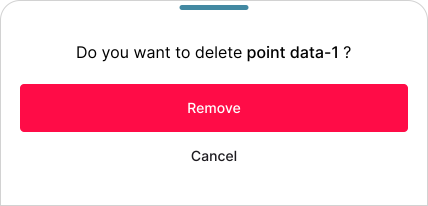
Pop up window will be shown to confirm deleting placemark point data
6.
Click button