
Draw line collection
1.
In start page, click collection name to enter Data collection
2.
Inside Data Collection tab, select Maps tab
3.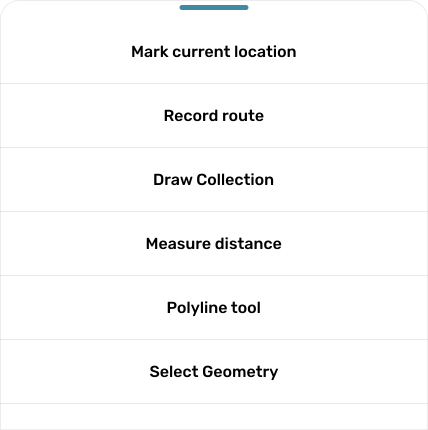
Click button 
4.
Click button
5.
Use mode
6.
Set line color you want to use by click button 
7.
You can draw line freehand
8.
After finish, you can click button 