
Move placemark coordinate
1.
In start page, click collection name to enter Data collection
2.
Inside Data Collection tab, select Maps tab
3.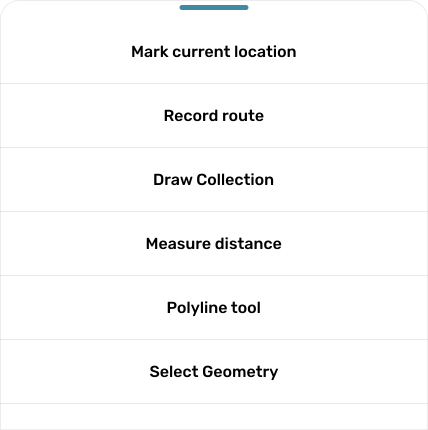
Click button 
4.
Click button
5.
Your placemark will be change to dot, choose placemark you want to change coordinate, hold and drag.
6.
After finish, you can click button 