
Start record route
1.
In start page, click collection name to enter Data collection
2.
Inside Data Collection tab, select Maps tab
3.
To record route, click button 
4.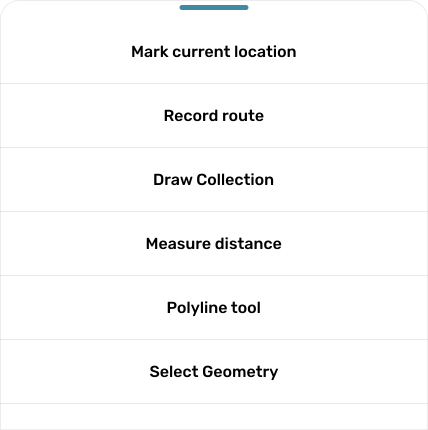
Pop up will be shown
5.
Click button
6.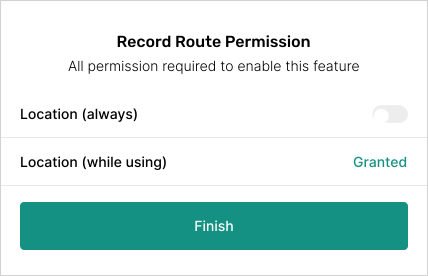
Make sure you already activate location permission in your device. If you location permission is not activated yet, pop up will be shown to take action for granted location permission
7.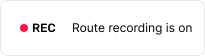
Recourd route is starting when there is indicator on your screen