
Stop Record routes
1.
In start page, click collection name to enter Data collection
2.
Inside Data Collection tab, select Maps tab
3.
To record route, click button 
4.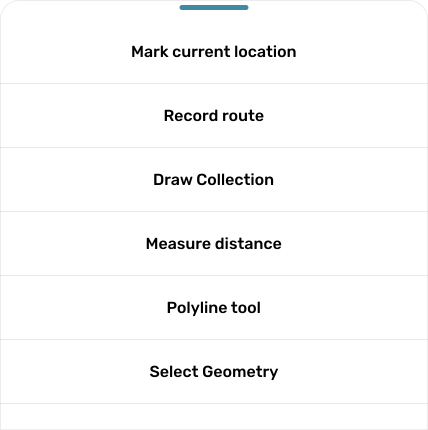
Pop up will be shown
5.
Click button
6.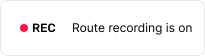
Recourd route is starting when there is recording indicator on your screen
7.
To stop record route, click on the recording indicator, after then click button
8.
Pop up confirmation will be shown and click button
if you want to stop recording
9.
Input route name, adjust line color and line width. Then click button Save